Your Android Phone,
The Ultimate Controller for Gaming & Productivity
Transform your smartphone into a virtual Xbox gamepad, precision motion aiming controller, wireless desktop trackpad, and remote launcher for your PC.
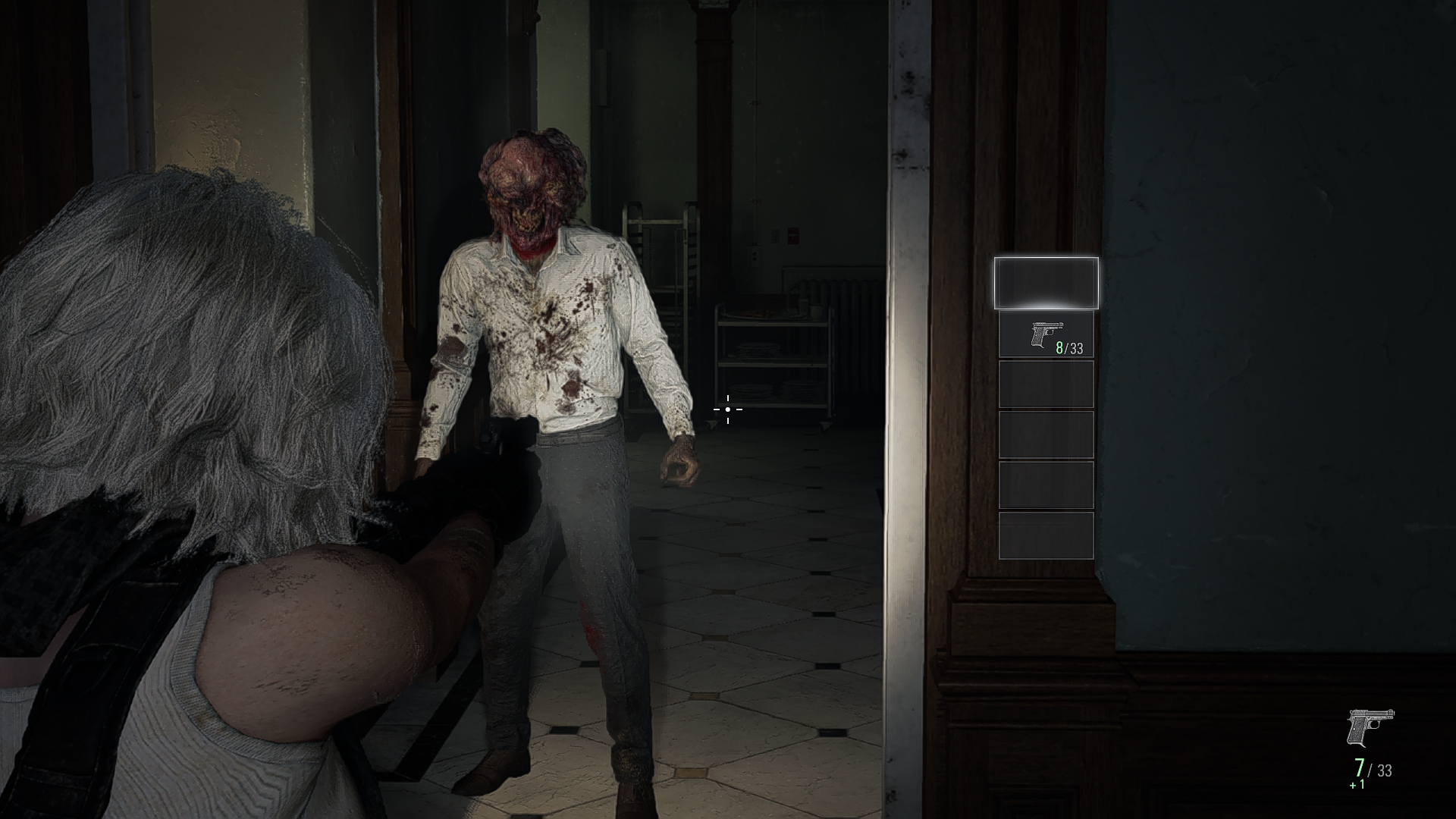
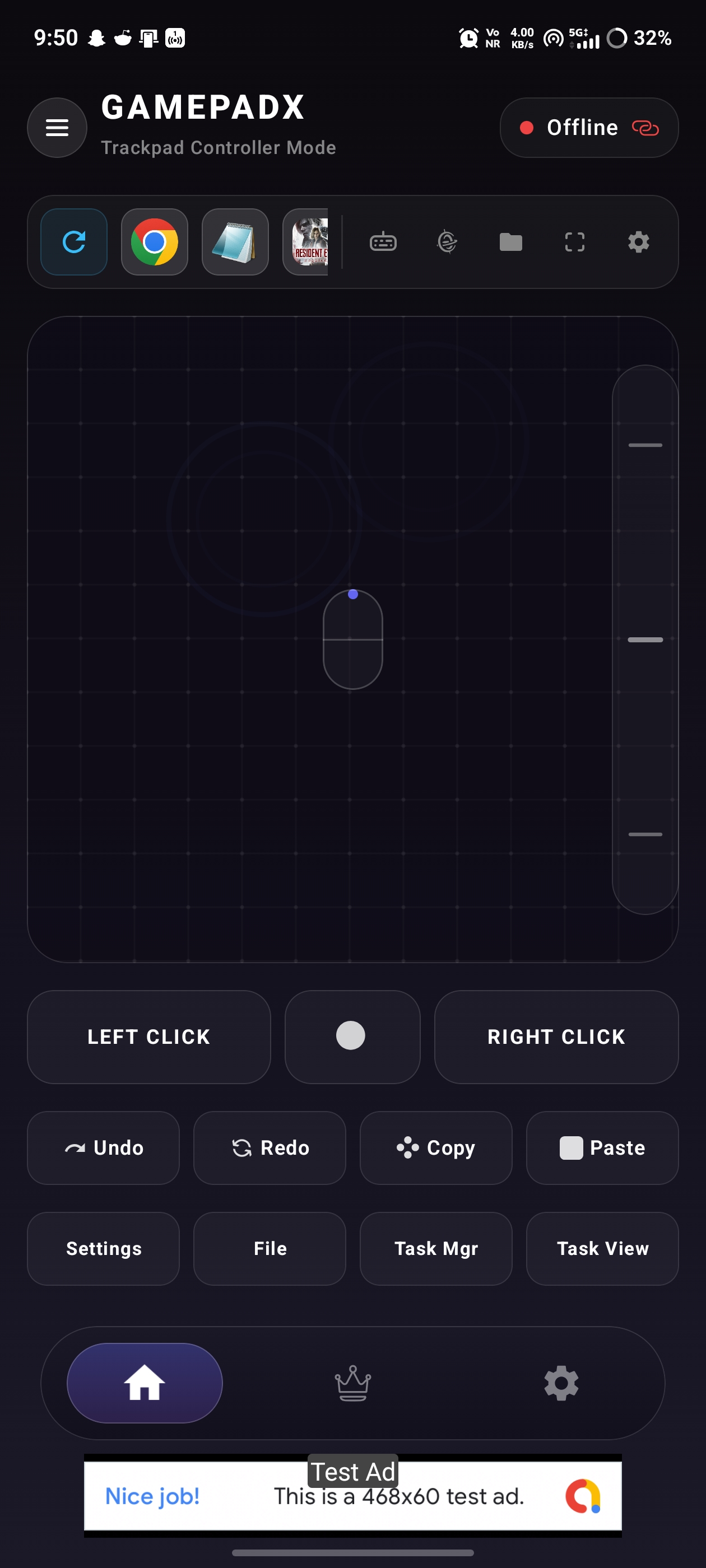
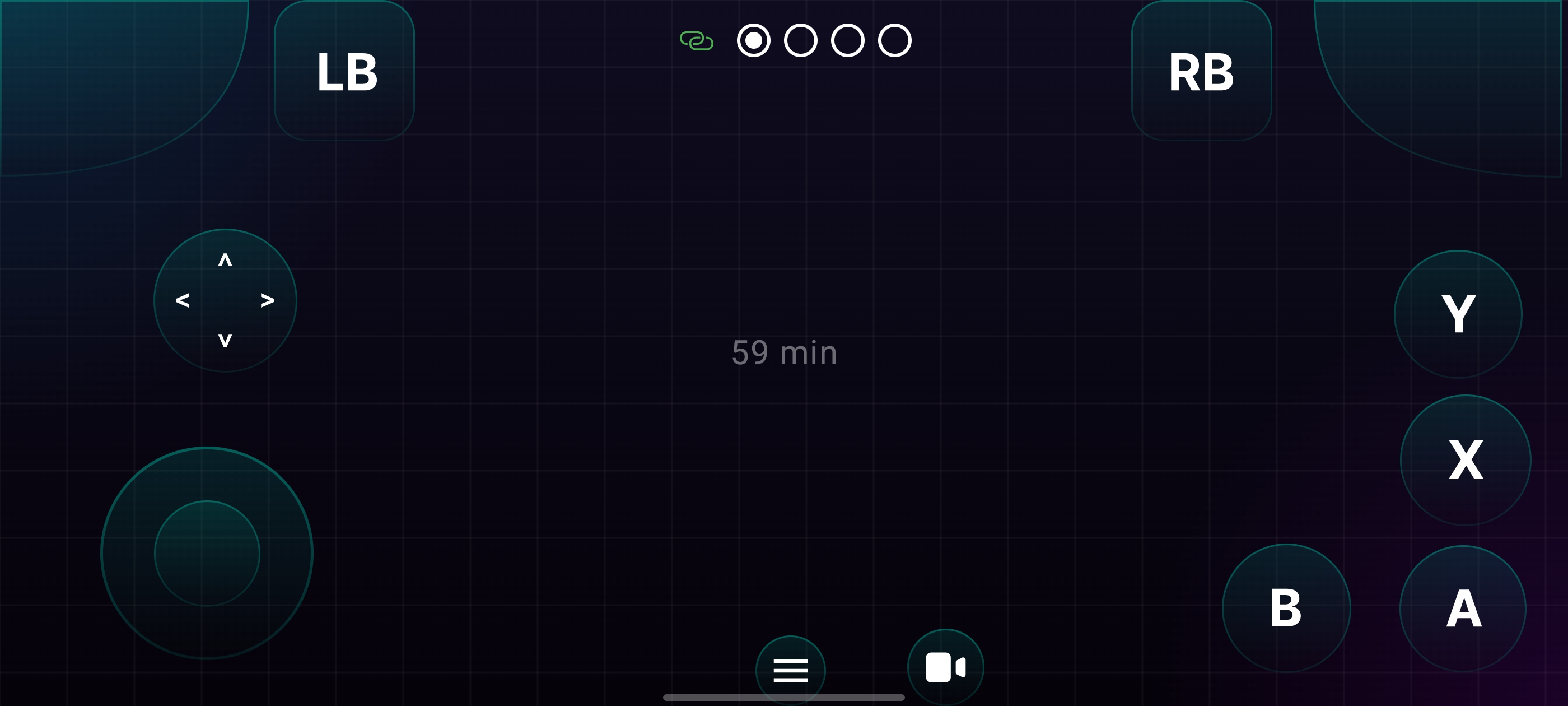
Powerful Capabilities,
Simple and Fast
Everything you need for PC gaming, remote shortcuts, and desktop control in one app.
Ultra Low Latency
Instant touch and button response for fast, fluid gaming and desktop control.
USB & Wireless
Connect seamlessly over Wi-Fi or plug in a USB cable for direct tethering.
Xbox & PC Controller Setup
Emulate a native Xbox 360 gamepad or design custom PC controller layouts with keybindings and vibration feedback.
Multi-Key Keystroke Combos
Trigger complex multi-key combos, shortcut chains, and gaming macros with a single tap.
Quick App & Directory Launches
Launch your favorite PC games, apps, and folders with a single tap from your phone.
Gyroscope
Use motion controls for precision crosshair aiming in FPS games and steering in racing titles.
Mouse & Keyboard
Control your desktop with smooth trackpad gestures, scrolling, and custom keyboard shortcuts.
Auto App Detection
GamePadX automatically detects when bound PC App launch and activates your custom controller layout profile.
Clipboard & Screenshot Sync
Seamlessly send copied text, images, and captured phone screenshots straight to your Windows PC clipboard.
Experience GamePadX,
On Windows PC & Android
Download the companion Windows server and mobile controller app to start gaming with ultra low latency.
GamePadX Desktop Server
The companion host application for your Windows PC. Provides ultra low-latency virtual Xbox controller emulation, smart game auto-detection, phone clipboard and screenshot syncing, instant Wi-Fi/USB connections, and one-tap PC app launching.
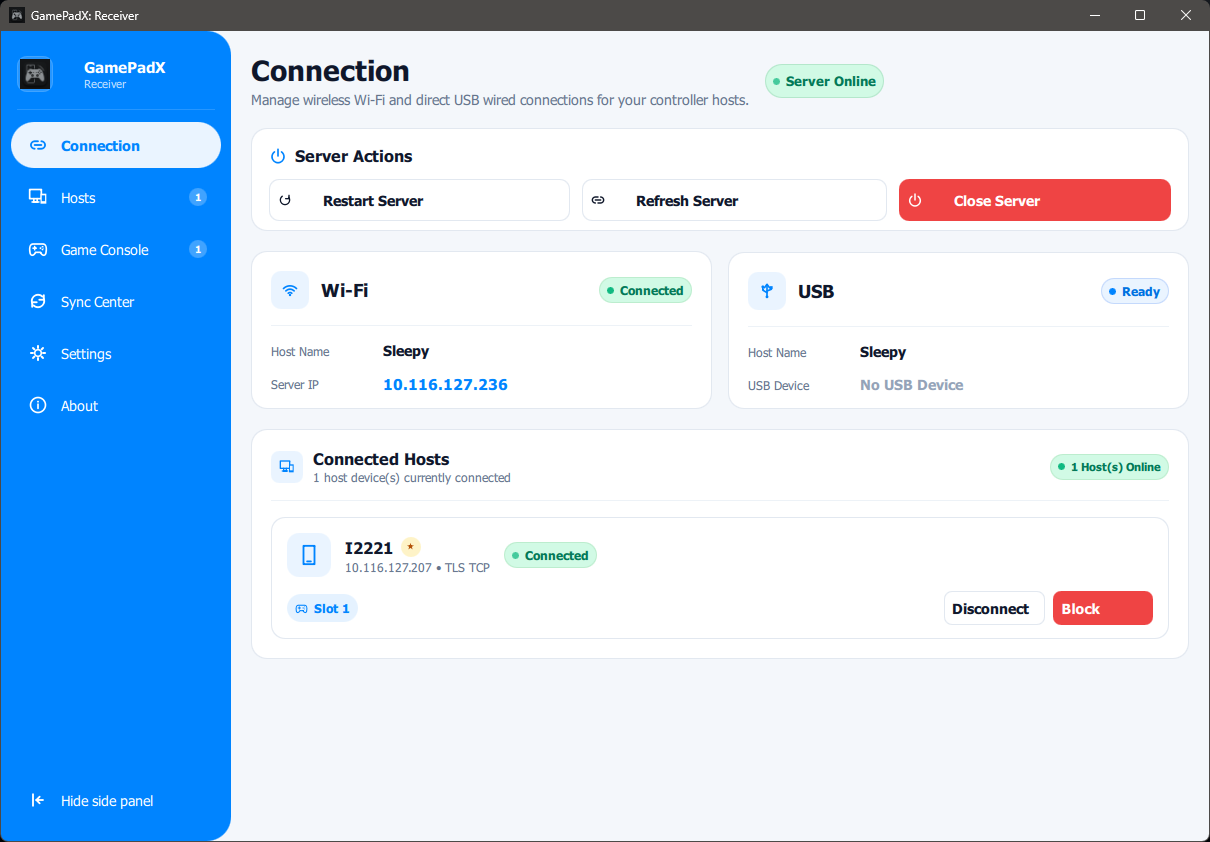
Connection Hub
Automatic LAN discovery & direct USB tethering.
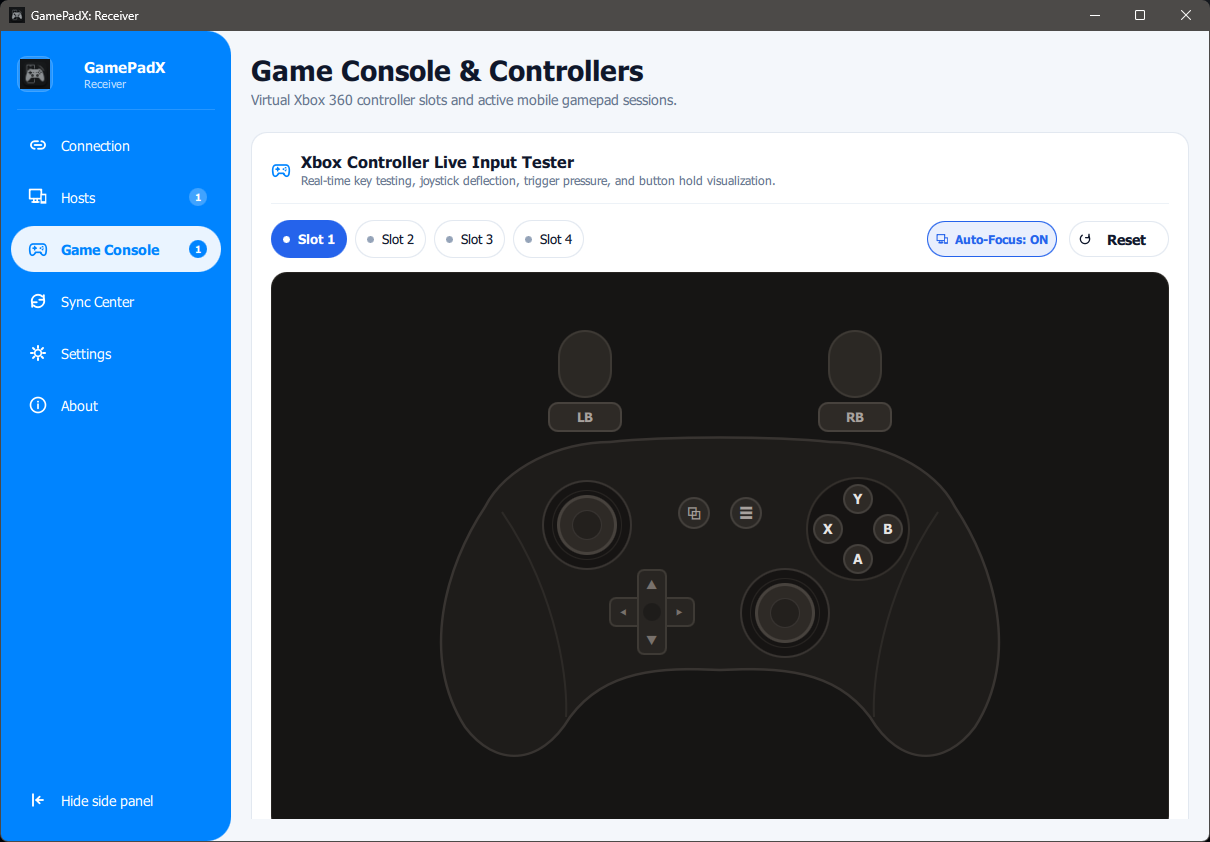
Controller Console
Real-time input telemetry & virtual Xbox slot mapping.
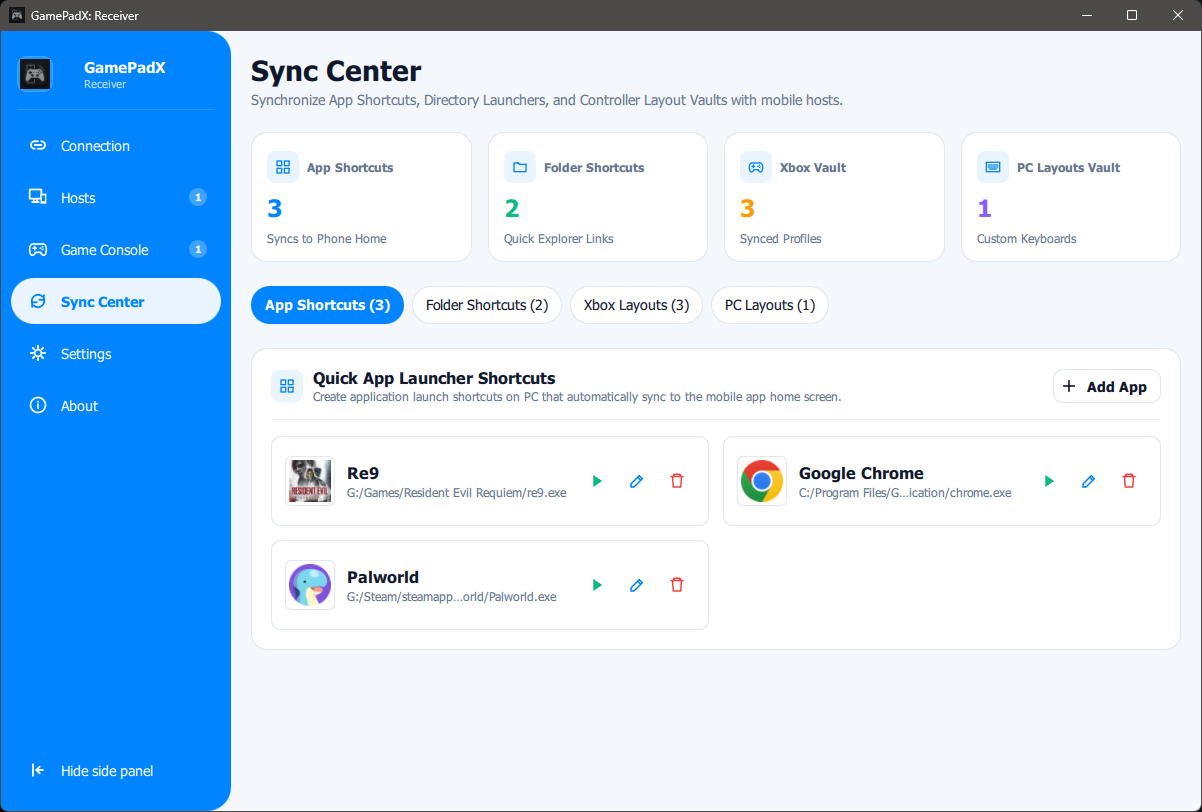
Sync Center
Synchronize App & Directory shorcuts, layouts & shortcut vaults.
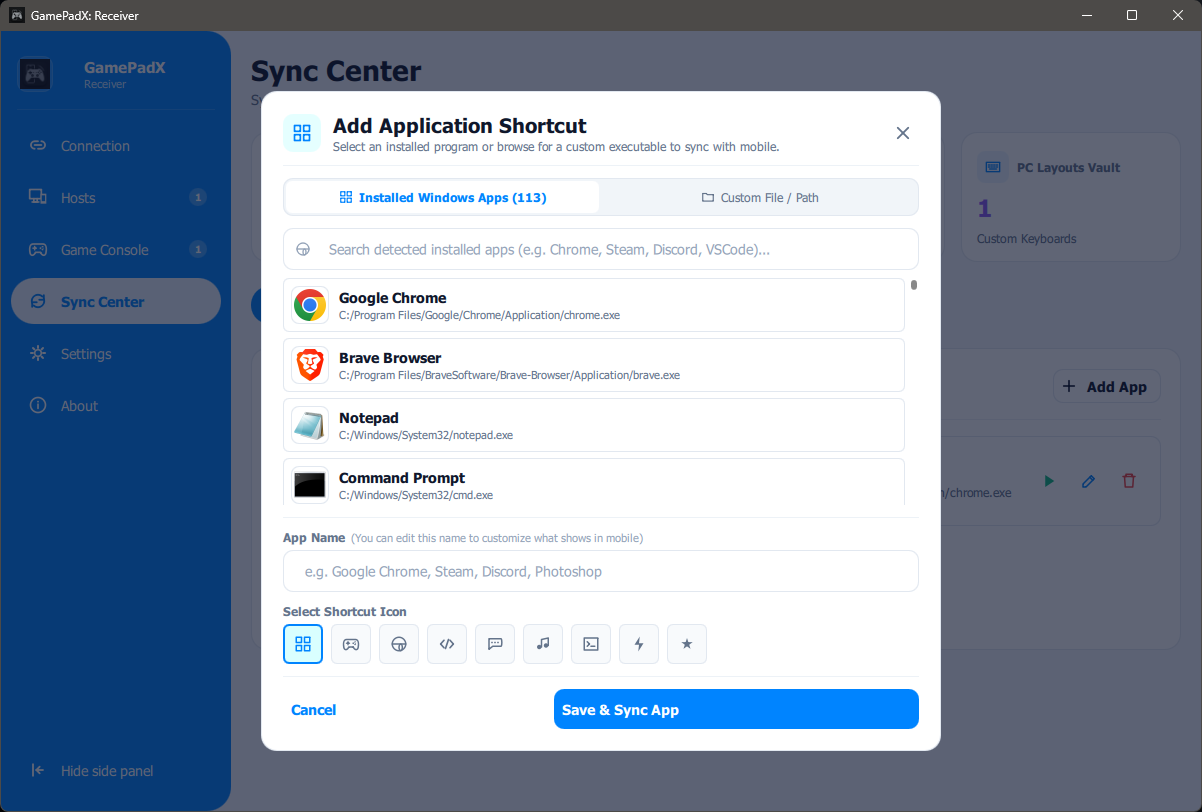
Shortcut Launcher
Add one-tap PC game launchers and directory shortcuts.
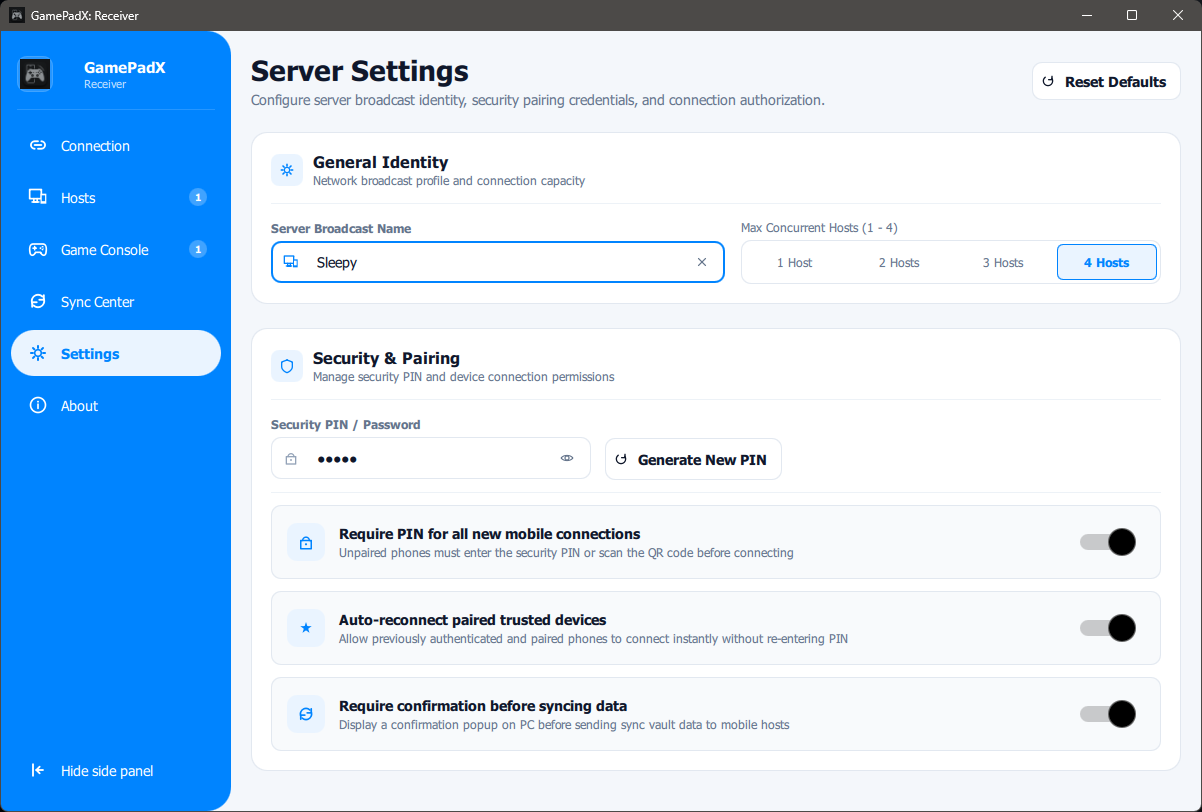
Configuration & Ports
Custom Server Settings, security PINs, and startup behavior.
GamePadX Mobile Controller
Turn your Android smartphone or tablet into a high-precision PC gamepad, gyroscope motion steering controller, wireless desktop trackpad, and remote launcher with customizable haptic feedback.
App Home
Fast connection hub and server discovery.
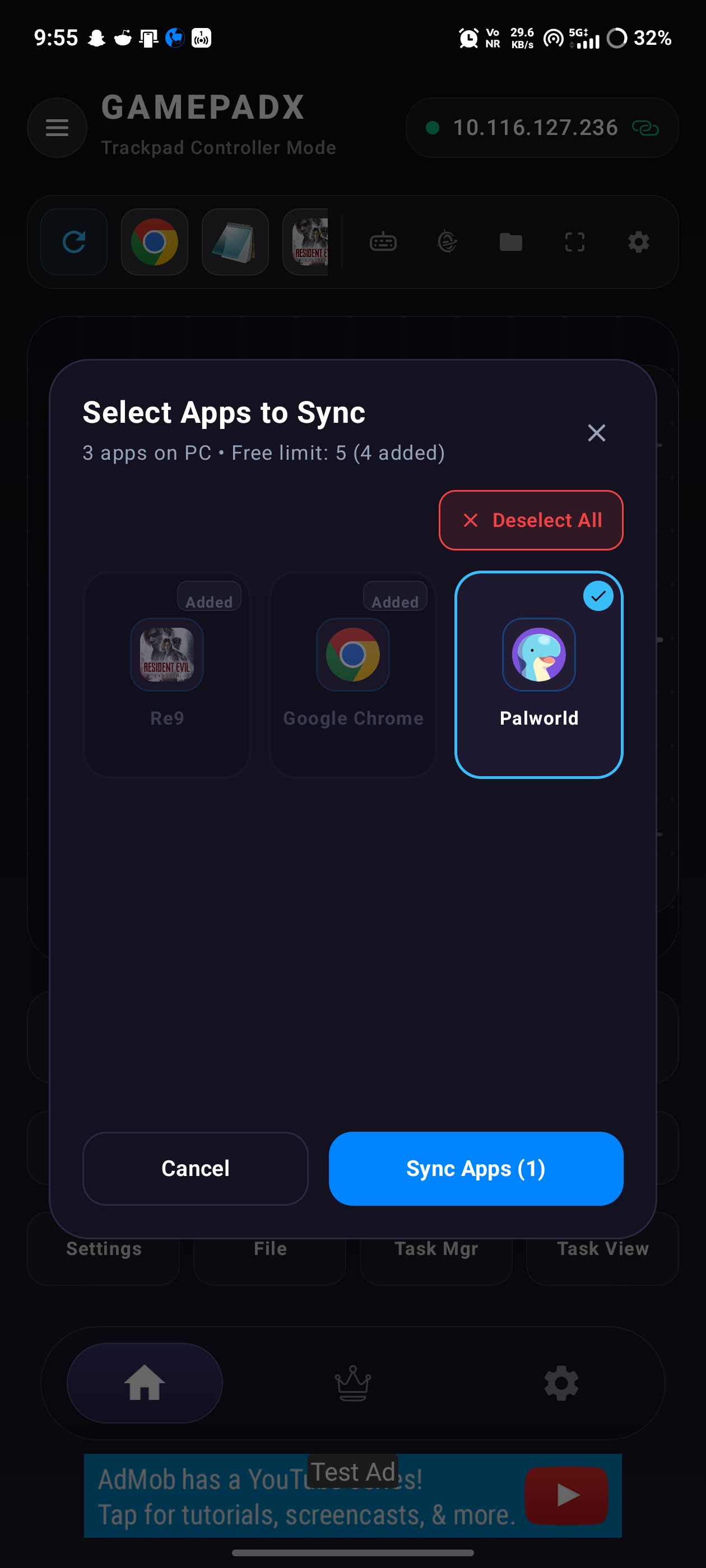
App Shortcuts
One-tap remote launch for your PC games and apps.
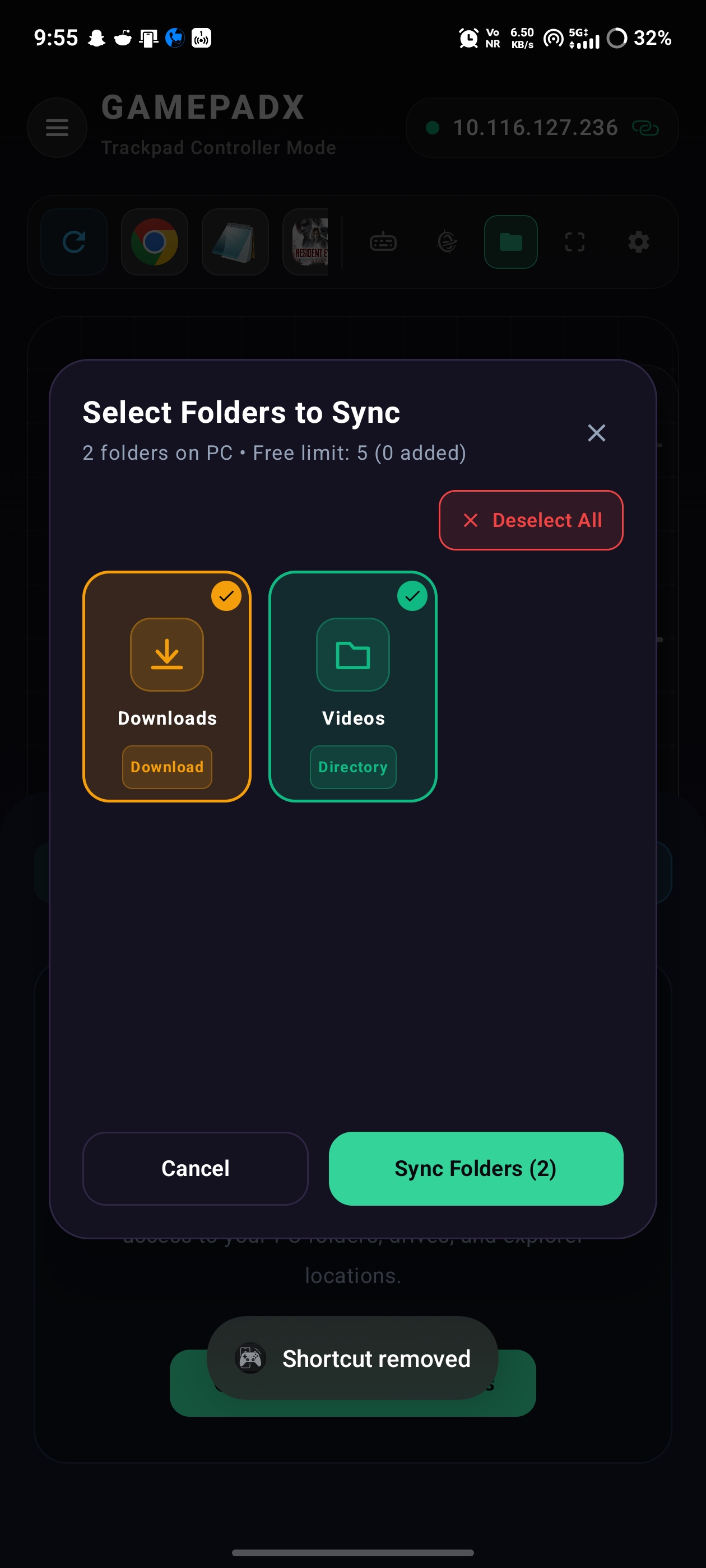
Folder Launcher
Instant remote access to folders on your PC.
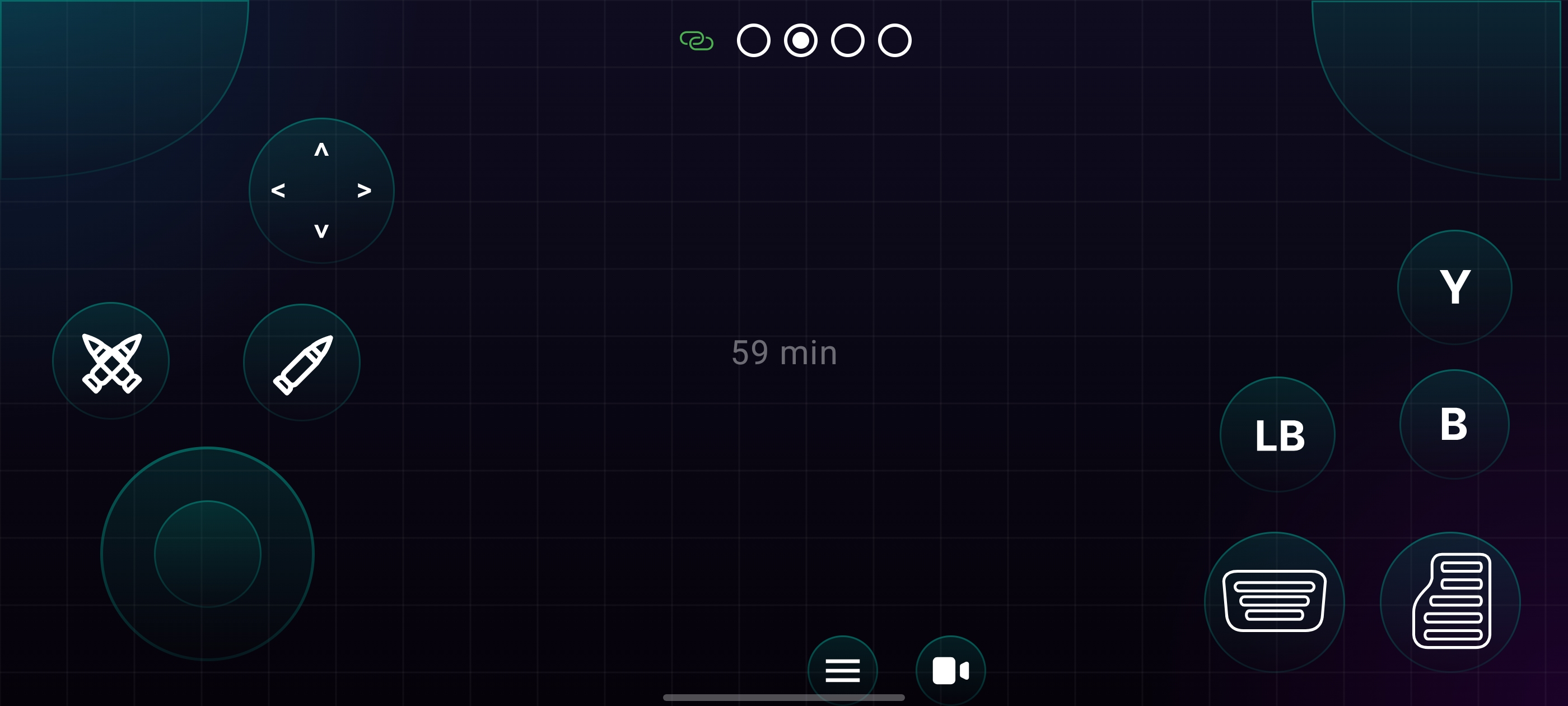
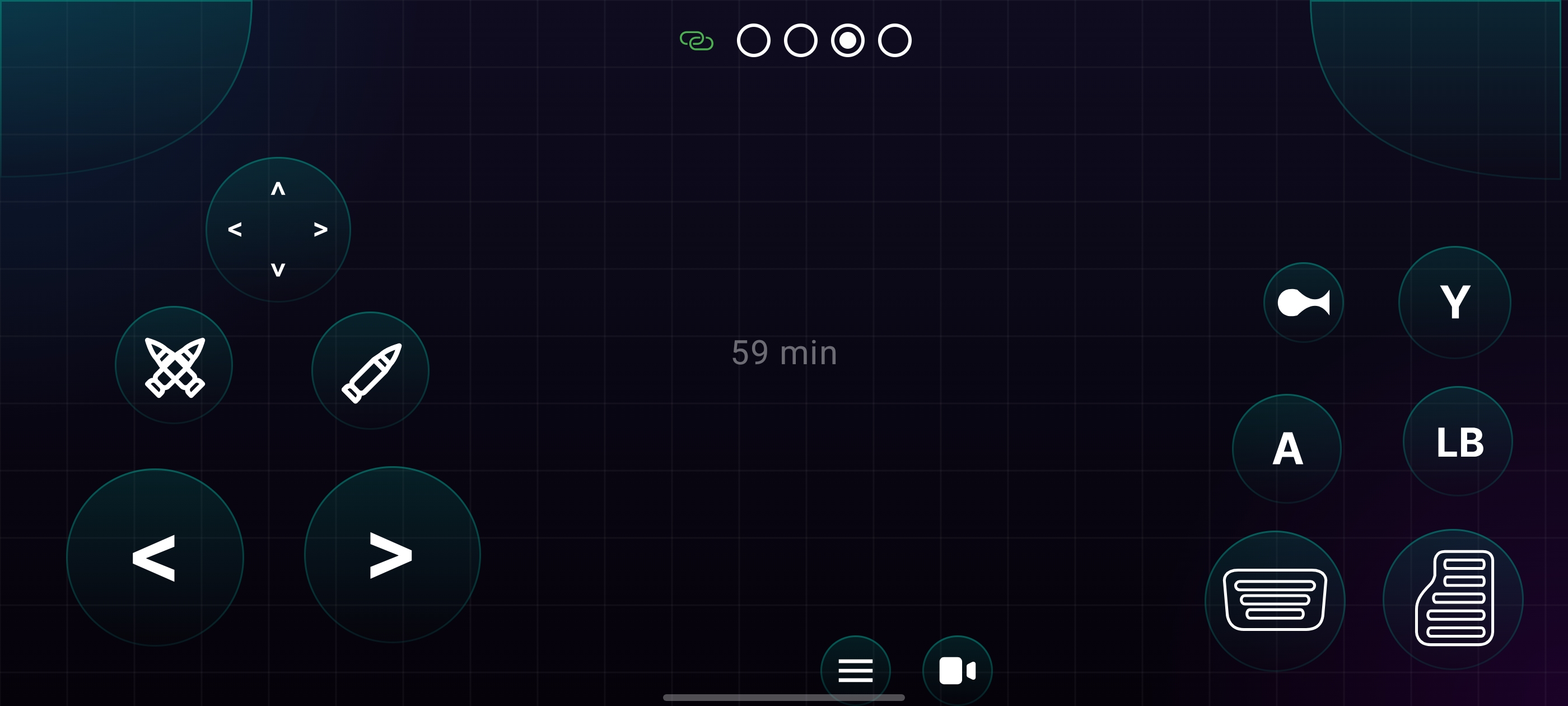
Multi-Layout Profiles
Pre-configured and custom layouts ready to switch on the fly.
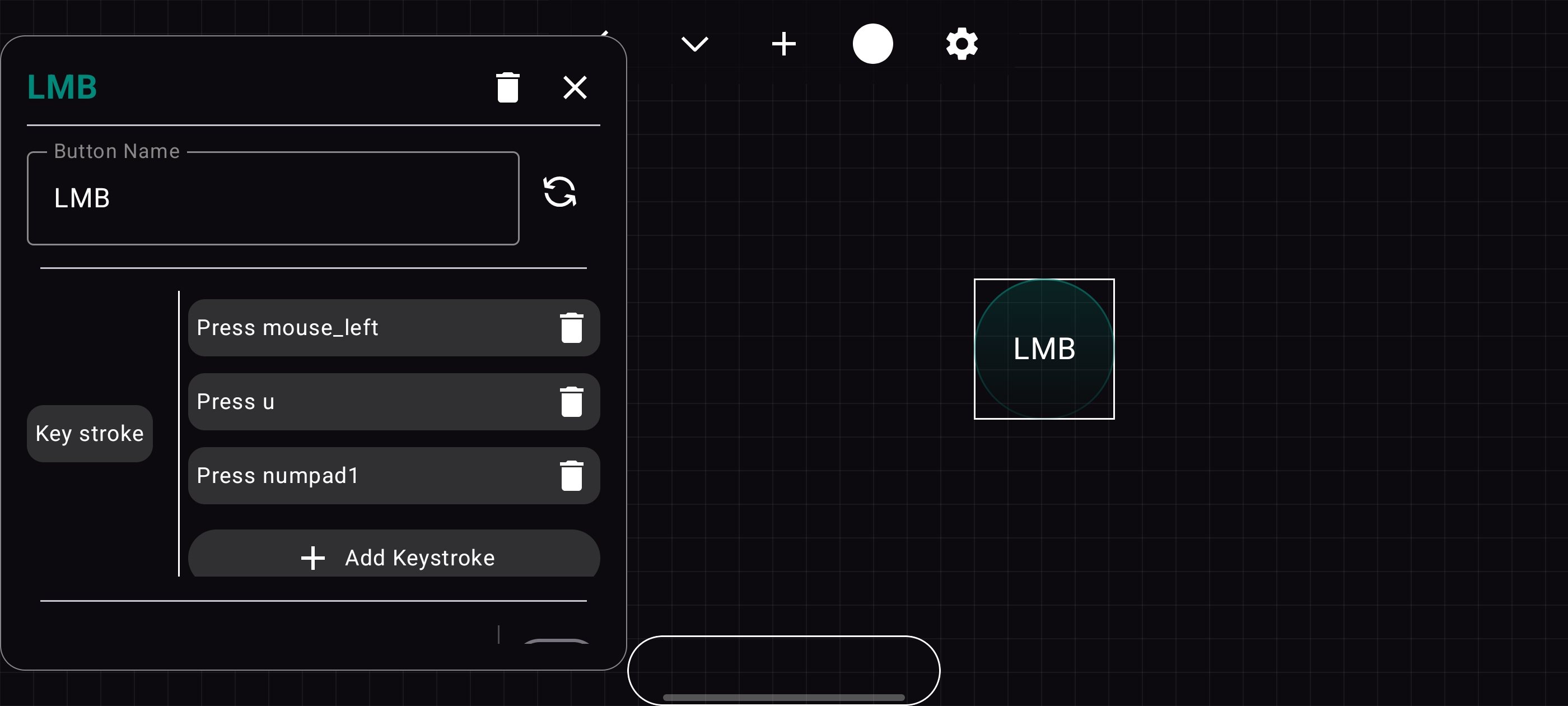
Layout Editor
Drag, resize, and rebind buttons to custom keystrokes.